















Troubleshooting & Optimization
Don’t Settle for Slow,
Bad WiFi Ends Here.
Is your WiFi underperforming or causing user frustration? We identify the root cause—interference, hardware issues, or poor configuration—and fine-tune your network for maximum reliability.
Troubleshooting & Optimization
Don’t Settle for Slow,
Bad WiFi Ends Here.
Is your WiFi underperforming or causing user frustration? We identify the root cause—interference, hardware issues, or poor configuration—and fine-tune your network for maximum reliability.
Engineered for Performance
WiFi Network Troubleshooting
Unreliable WiFi is often caused by RF interference, poor AP placement, or outdated configurations. We perform a thorough analysis using tools like spectrum scans and signal mapping to detect and fix issues such as channel overlap and dead zones—restoring stable, high-performing connectivity.
Network Optimization for Performance and Priority
Once issues are resolved, we fine-tune your network using QoS, traffic shaping, and band steering. Critical applications like Teams, Zoom, and POS systems are prioritized, while roaming thresholds and load balancing are optimized for smooth handoffs and consistent performance across your space.
Engineered for Performance
WiFi Network Troubleshooting
Unreliable WiFi is often caused by RF interference, poor AP placement, or outdated configurations. We perform a thorough analysis using tools like spectrum scans and signal mapping to detect and fix issues such as channel overlap and dead zones—restoring stable, high-performing connectivity.
Network Optimization for Performance and Priority
Once issues are resolved, we fine-tune your network using QoS, traffic shaping, and band steering. Critical applications like Teams, Zoom, and POS systems are prioritized, while roaming thresholds and load balancing are optimized for smooth handoffs and consistent performance across your space.
Core Benefits
30+ years of experience,
best-in-class tools,
flawless WiFi performance.
By identifying Radio Frequency interference, channel conflicts, and poor signal areas, we restore consistent coverage and prevent disconnections or unstable connections across your network.
Optimization ensures latency-sensitive tools like Microsoft Teams, Zoom, and POS systems receive prioritized bandwidth—reducing jitter, lag, and transaction delays.
Through load balancing, band steering, and transmit power adjustments, we maximize access point performance, improve client distribution, and prevent bandwidth bottlenecks.
Properly tuned roaming thresholds and handoff settings ensure mobile users (e.g., staff with laptops, scanners, or VoIP phones) stay connected without signal drops or interruptions.
How It Works
Your journey to better WiFi in 4 steps
Assessment & Diagnostics
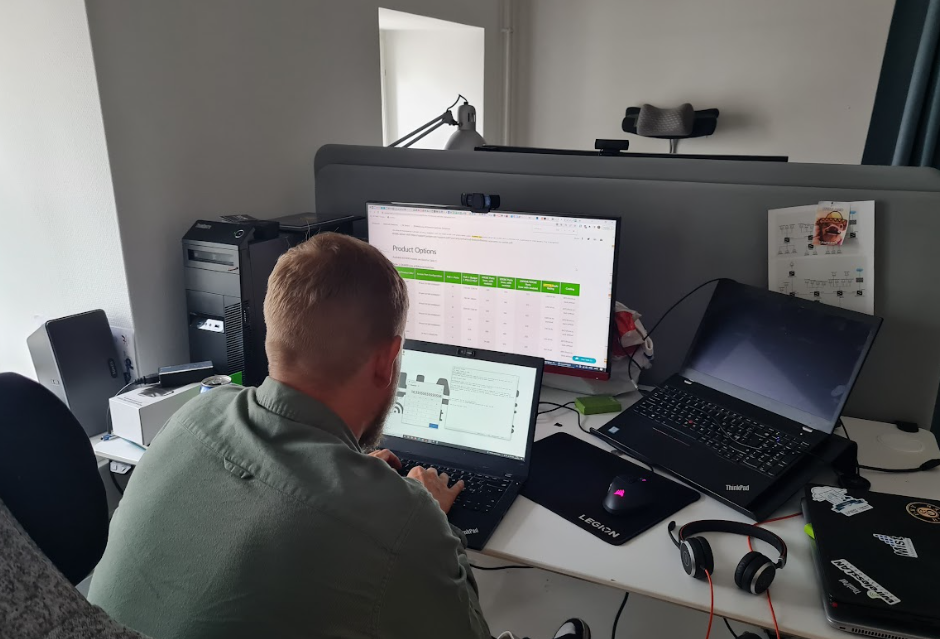
We begin with a full scan of your WiFi environment using spectrum analyzers, packet capture, and site survey tools to identify Radio Frequency interference, weak signal zones, and high retransmission areas.
Root Cause Analysis
Using the diagnostic data, we isolate exact issues—like overlapping channels, rogue APs, high client density, faulty hardware, or misconfigured QoS—ensuring solutions are precise and not just reactive.
troubleshooting & Remediation
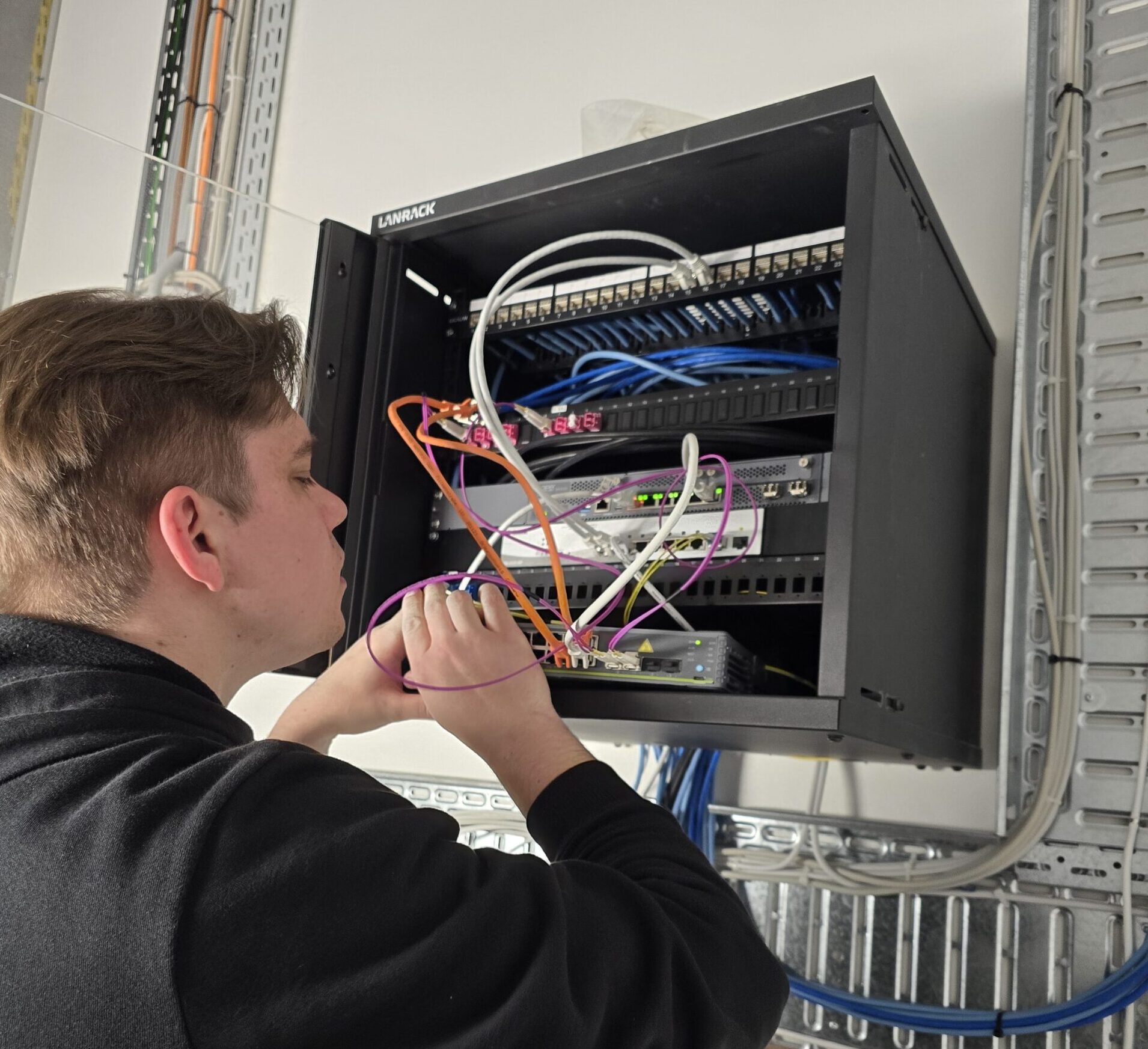
We reconfigure access points, adjust power/channel settings, eliminate interference sources, and update firmware or drivers. Live testing validates improvements in real-world conditions.
Performance Tuning & Optimization
We fine-tune for long-term stability: enabling QoS, setting up VLANs, balancing loads, adjusting roaming thresholds, and optimizing traffic flow for key applications like Teams, Zoom, or POS systems.
How It Works
Your journey to better WiFi in 4 steps
Assessment & Diagnostics
We begin with a full scan of your WiFi environment using spectrum analyzers, packet capture, and site survey tools to identify Radio Frequency interference, weak signal zones, and high retransmission areas.
Root Cause Analysis
Using the diagnostic data, we isolate exact issues—like overlapping channels, rogue APs, high client density, faulty hardware, or misconfigured QoS—ensuring solutions are precise and not just reactive.
troubleshooting & Remediation
We reconfigure access points, adjust power/channel settings, eliminate interference sources, and update firmware or drivers. Live testing validates improvements in real-world conditions.
Performance Tuning & Optimization
We fine-tune for long-term stability: enabling QoS, setting up VLANs, balancing loads, adjusting roaming thresholds, and optimizing traffic flow for key applications like Teams, Zoom, or POS systems.
FAQ
Most frequent questions and answers
If you’re experiencing frequent disconnections, slow speeds, buffering during video calls, or coverage gaps in certain areas, it’s a sign that your network needs professional troubleshooting.
We identify and resolve issues like Radio Frequency interference, channel overlap, low signal strength, excessive client load, and misconfigured access points or QoS settings. Often, a poor user experience is the result of several overlapping issues working together.
In most cases, diagnostics and optimization can be done with minimal or no disruption. We often perform adjustments outside of peak hours or implement changes in phases to avoid impact.
We use enterprise-grade tools such as spectrum analyzers, WiFi heatmapping software, and packet analyzers to detect issues and optimize performance accurately.
Optimization isn’t a one-time task. It should be revisited periodically—especially after physical changes to your space, increases in connected devices, or performance complaints from users.
Still Have Questions? → Let’s Talk!
WiFi Troubleshooting & Optimization
What do you get?
We fix what’s broken and fine-tune what’s working—delivering stable, high-performance WiFi with zero guesswork and maximum impact.
Here is what is included:
- Full WiFi diagnostics using spectrum analysis and heatmapping
- Identification of interference, channel overlap, and weak coverage
- Root cause analysis of connectivity issues (e.g., rogue APs, client overload, poor QoS)
- Firmware and configuration updates for access points and controllers
- Reconfiguration of channels, power levels, and roaming thresholds
- Application-aware tuning (Teams, Zoom, POS prioritization) using QoS and traffic shaping
- Seamless handoff optimization for mobile users
- Live validation and performance benchmarking after remediation
→ Contact us for a no-obligation chat!
Ready for WiFi that delivers?
Let’s talk about your ideal network